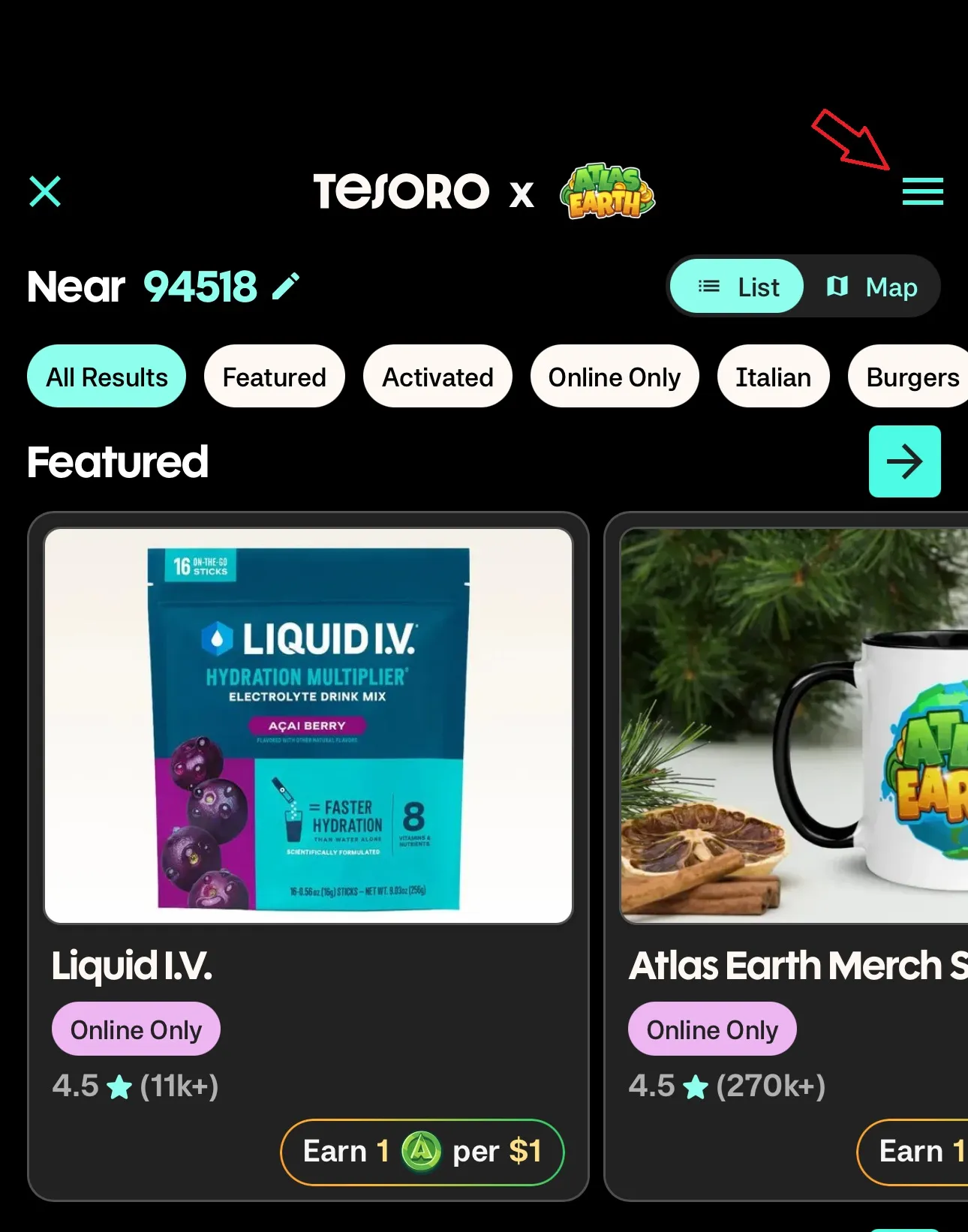
Atlas Shopping is managed by a third party provider, Tesoro. If you’re missing rewards, you’ll need to contact Tesoro support directly through the ATLAS:EARTH app within Atlas Shopping.
How to contact Tesoro support:
- Open the ATLAS:EARTH app
- Click on the Earn Tab
- Click on Atlas Shopping
- Click the menu icon in the top right (three horizontal lines)
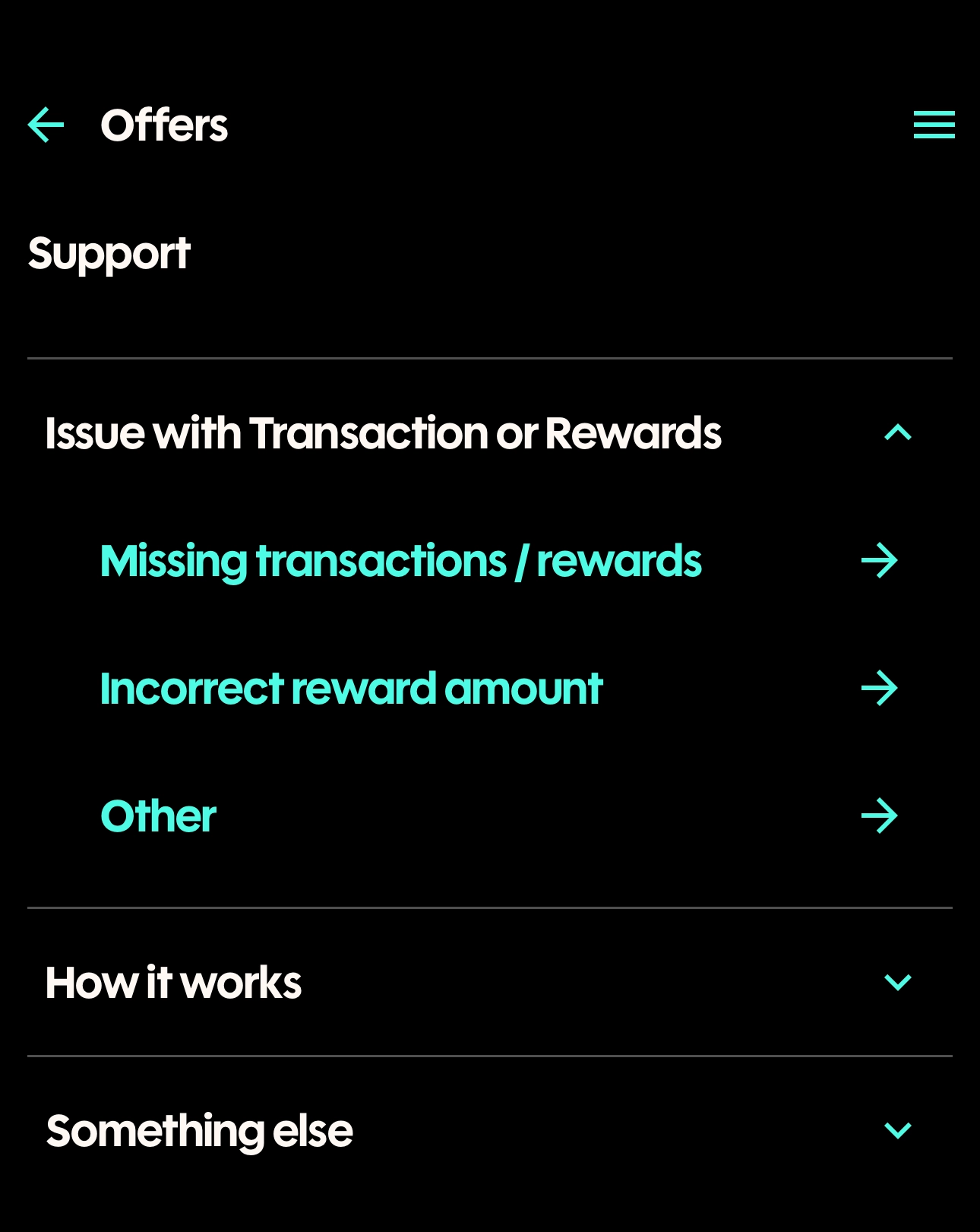
- Select Support from the menu options
- Under Issue with Transaction or Rewards, choose the option that best matches your situation.
Since Atlas Shopping is handled by Tesoro, their support team is best equipped to review and resolve any missing reward issues.